top of page
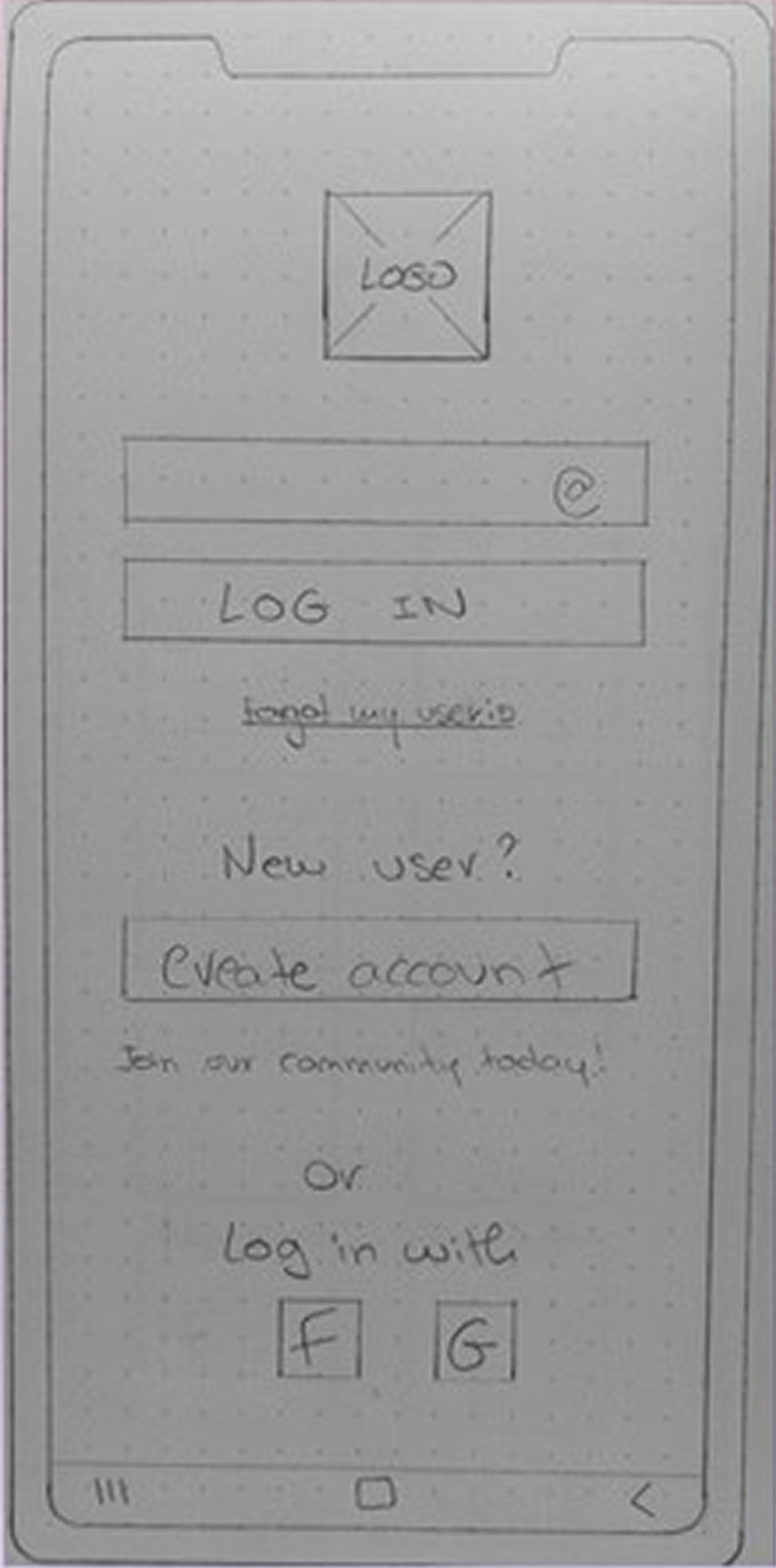
Low-fidelity wireframes


Lingo Hut
ROLE
UX Designer
PROJECT
I set out to design a user-centered solution to a real-world problem, beginning with interviews to uncover genuine user needs and challenges. Guided by mentorship and an iterative design process, I turned insights into thoughtful, human-focused experiences.
This project was part of my UX Design course at CareerFoundry, where I refined my skills in research, ideation, and problem-solving.
Language App
2 Weeks
TIME FRAME
-
Increase daily active users
-
-
Problem
Problem
To improve work and social relationships by efficiently learning day-to-day phrases and words in a foreign language.
The process
I started by talking to professionals living abroad about their struggles with learning a new language in everyday life. Their stories and feedback helped me shape user journeys and sketch out ideas, which I then turned into wireframes and prototypes.
User persona
Amelia Chung
-
31 Years old
-
Human Resources Manager
-
MSc Psychology
-
British based in Lisbon, Portugal
-
Learning Portuguese
“I use language learning apps daily on my free time to learn Portuguese vocabulary and day-to-day phrases as I’ve moved to Portugal 3 months ago for work and I am learning the language.”

Challenges faced by persona
Prototyping process
User flow

Daily reminders to keep her on track
Needs a learning plan set up for her
Needs efficient learning exercises
Lack of native users on the app to practise with
Wants to increase her vocabulary
Motivation & Goals
Problem brief
Improve her listening and conversational skills
Have fun whilst learning
Wants to be able to track her progress
Problem
Amelia wants to learn day-to-day phrases and words that will improve her work and social relationships. She needs quick and effective methods to support her learning process and as an efficient person Amelia wants to be able to track her progress to see where she is succeeding and where she needs to focus more on.
Statement
Amelia needs to learn day-to-day portuguese words and phrases because she has recently moved to Portugal for work. We will know this to be true when we see Amelia efficiently learning by successfully progressing through the different exercises.
Mid-fidelity wireframes


Usability test plan
-
Create new account
2. Upload photo from the device
3. Add new word through the "search on dictionary" feature
4. Review words
5. Access personal information area
Findings
"Go back" button
Users have expressed the need for a button to go back in the "Create new profile". This has been introduced to many different screens in a clearer way to make it easier to navigate throughout the app.
"Continue" button
Some users encountered difficulties understanding how to move forward after creating the profile so a "continue" button has been added to the screen.
Onboarding progress
As the onboarding process is long, there has been added a progress tracker on every onboarding screen so the user is aware how far along they are in the process.
"Skip this" button
Most users have said they would have skipped the onboarding if there was a button for it. They prefer to figure out as they use the app.
This button has been added to allow users a quicker start to the course and is present at any stage of the process.


Next steps...
-
Usability tests
Test the new iterations with users and observe where they find difficulties to complete a task, and take notes of their feedback.
-
Evaluate necessary changes
Gather all the observations, access their severity and find resolutions.
-
Implement changes
Implement the necessary changes on the App.
-
Repeat
Repeat the process until users can navigate through the App smoothly without experiencing errors, and are able to achieve their goals.
bottom of page